
An exploratory conversational language learning application for virtual reality.
Team Leader, UX Researcher, Interviewer, Prototyper
Figjam, Figma, Microsoft Teams, Pexels.com, Apple Vision Pro Guidelines
Justin Hargett, Hannah Hereth, Vignesh Mullaguru, Kaila Nesbit and Anneli Nurmi
January 2024 - April 2024 (14 Weeks)
StarLang VR is an application that teaches users how to listen to and speak a foreign language by exposing learners to conversations that use dialects and repetitive vocabulary words. StarLang offers three major lesson categories that cater to a variety of learner types.
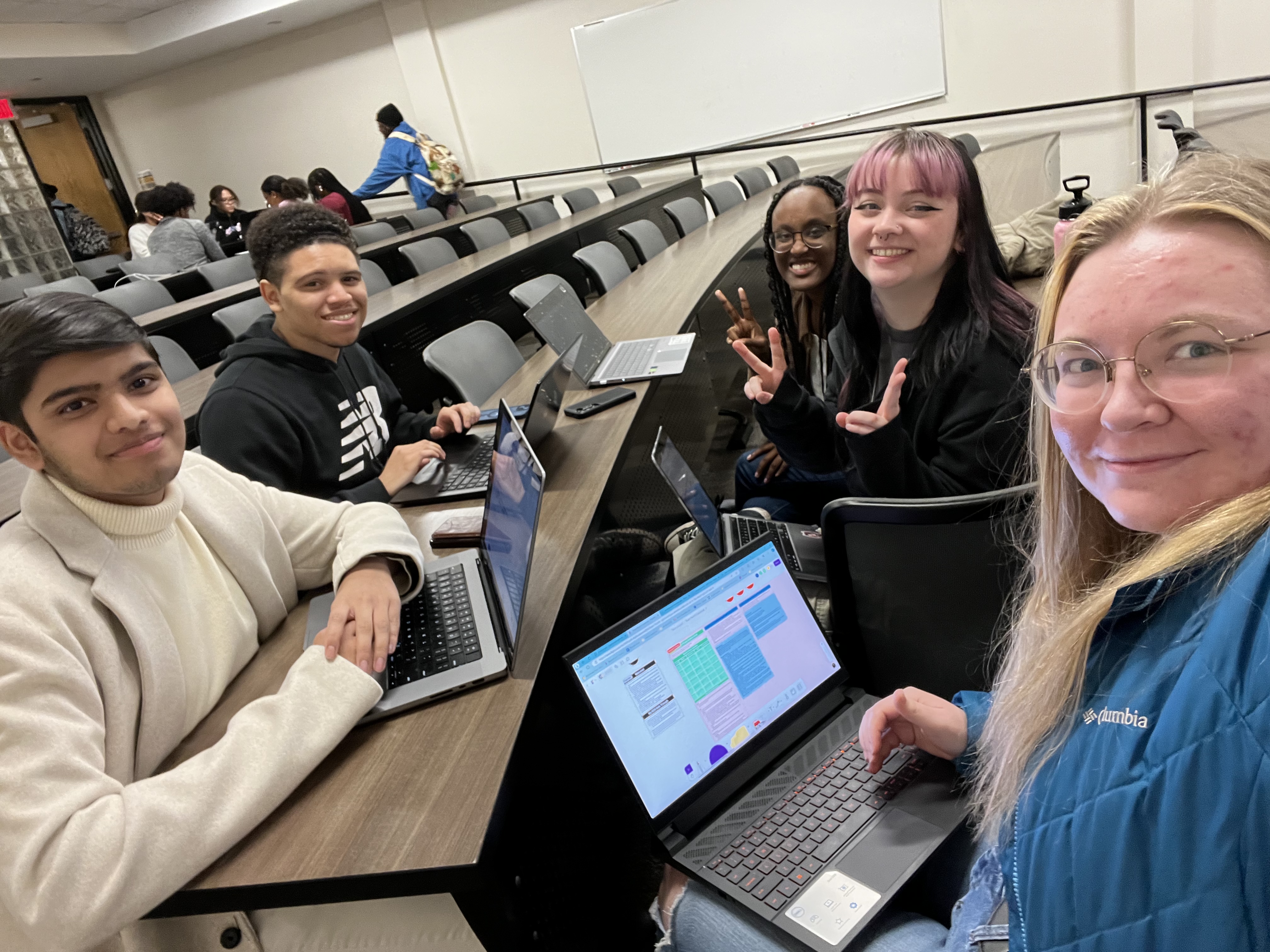
I led a team of five through Goal-Directed Design to create StarLang VR in our Senior Capstone class for Interactive Design in the Spring of 2024 at KSU. We decided to try our hand at designing for a virtual reality application as none of us had a lot of experience beforehand. This involved doing a lot of market and domain research and constantly looking at visual guidelines. Virtual reality is technology that I was not familiar designing for. Along the process of research and designing, I constantly looked at articles and guidelines to make sure everything was on track. This project tested and expanded our design capabilities.
Without external motivations, its harder for people to keep up with continuing educational goals outside of an educational instituation.
Many existing resources do not always keep up-to-date on the slang and dilects spoken within different countries.
Learning can be fun when there is free time and energy, but as working adults, its harder to find the time and motivation to sit down and listen to a self-guided lecture.
This project was completed following the Goal-Directed Design (GDD) process. In this process, we conducted research to understand user needs and behaviors. Our process included five of the six phases of GDD: research, modeling, requirements, framework, and refinement.


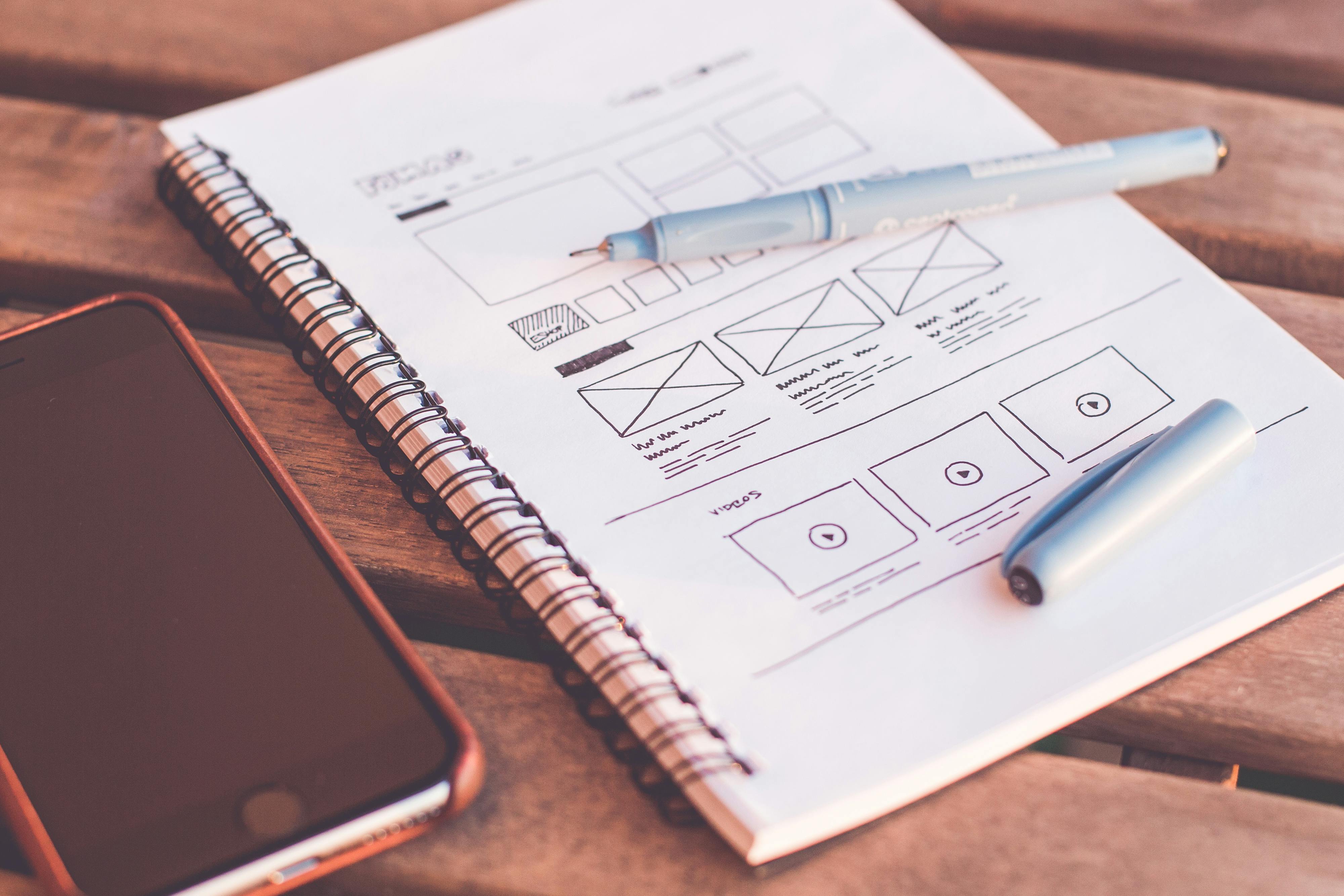
Our research included the kickoff meeting, literature review, competitive audit, and user interviews. We did not have any stakeholders to connect with to learn about the purpose of the product from a business perspective, thus, there were no stakeholder interviews.
Since we did not have any stakeholders, we had to imagine ourselves as stakeholders to gain a better understanding of what stakeholders would want to gain out of this product. In our kickoff meeting template, we created a problem statement and answered assumption questions. Here is the problem statement.
The current state of language learning has primarily focused on learning basic language fundamentals rather than practicing in conversation. What existing products and services fail to address is people learn languages better by listening to and participating in conversations. Our product will address this gap by providing a realistic experience by learning languages by showing users a realistic person to talk to in a foreign language.
We identified two potential users: students in a foreign language class and adults preparing to travel to a foreign country. Everyone learns differently and has different levels of understanding. Powerpoints and videos are not as engaging as real life practice. Often times, people will need more practice in a small amount of time and videos, powerpoints, text, and audio won’t prepare a user for a real conversational experience.
In this project, we needed to explore how receptive users are to virtual reality and artificial intelligence as an educational training tool as well as the issues or gaps in traditional language learning tools and methods. We used our literature review and competitive audit as a foundation to this exploration and further gained understanding of real user behavior and reactions through our user interviews.
Our literature review was conducted by Vignesh, Kaila, and I. We found a balance between learning languages as adults and virtual reality (VR) effectiveness was used in education.
Based on the articles and studies we have found:

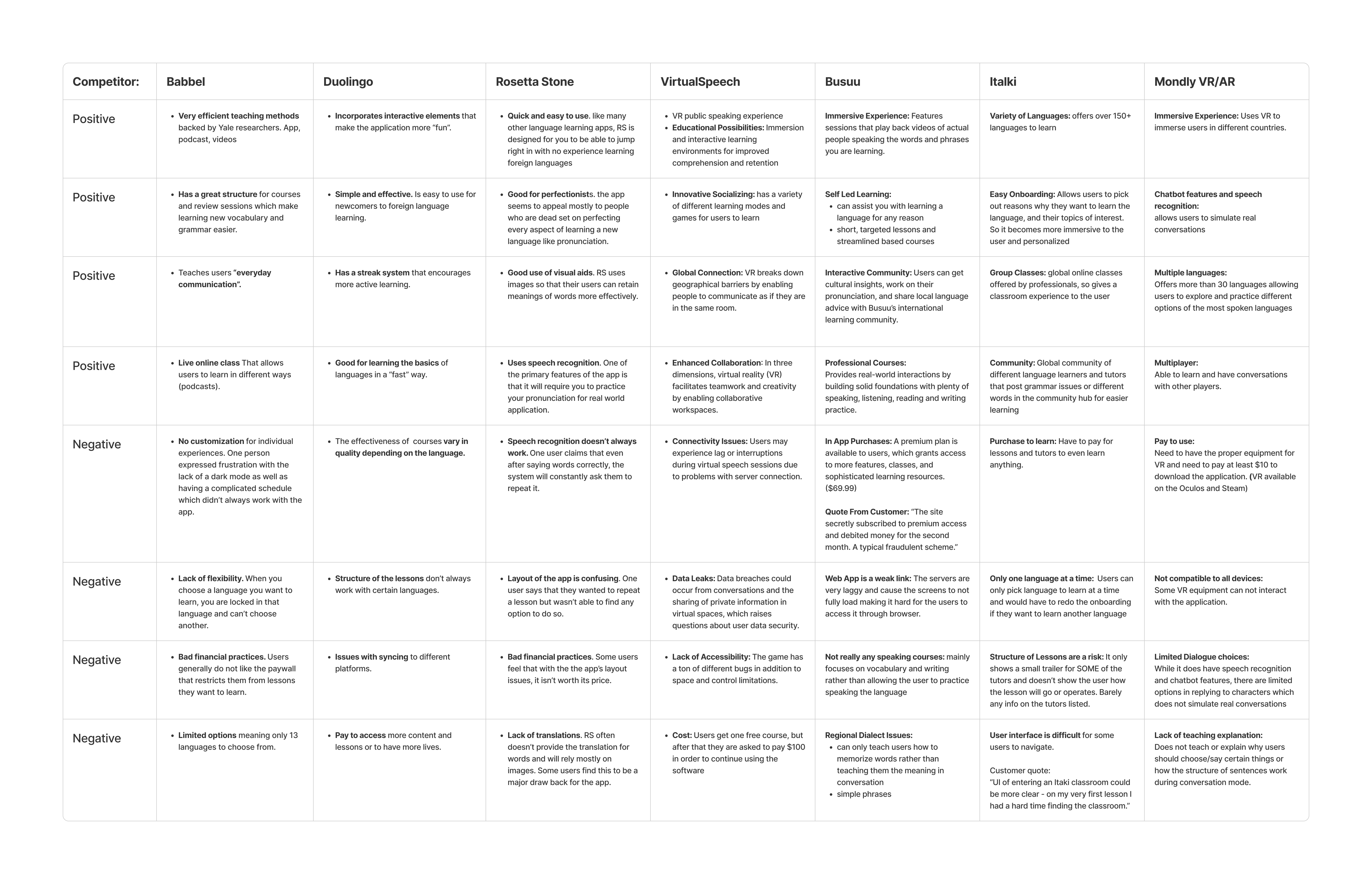
Our Competitive Audit was completed by Hannah and Justin, with an addition of another competing software by myself. We examined 7 different platforms on which people use to learn a foreign language: Babbel, Duolingo, Rosetta Stone, VirtualSpeech, Busuu, Italki, and Mondly. Some were mobile-only, like Duolingo and Babbel, while a few others were either web based and even VR based (VirtualSpeech and Mondly). Here are a few of our key findings:
We interviewed five people between the ages of 18 to 30 who all have had some experience learning languages and limited experience with virtual reality. From this group of people, we learned that many had a hard time keeping up languages outside of school. Duolingo failed to satisfy their learning needs. When they put their language skills to the test in real life, our interviewees found it hard to remember what they learned and end up using google translate or body language to communicate their needs or desires.
One big point we had a consensus of was that virtual reality was expensive. None of our interviewees owned a virtual reality headset because of its expensive prices and the fact some of them were college students. Our dilemma was: do we follow our interviewees statements and create something on a device that is more accessible (i.e. a phone)? This would pivot the project from virtual reality to augmented reality, which has its own challenges in itself. However, we decided to stick to virtual reality. If we had been a professional team, we would have been able to find better interviewees that fit our persona hypothesis.
.png)
Affinity map for a user interview.
In this phase, our goal was to understand the behaviors gathered from our user interviews and translate them into a persona. We took our notes from our user interviews and identified one primary persona. From there, we identified behavioral patterns found from the interviews. Mapping the behavior patterns allowed us to identify significant behavior variables. These variables include:
We were able to create a list of characteristics of and goals for our persona that matched the behavior variables as well as characteristics of our user interview participants.
.png)
In this phase of Goal-Directed Design, we had to define what is needed for our personas to achieve their goals. We took some time to brainstorm what our product would look like before identifying persona expectations in the form of data needs and functional needs. Data needs are objects and information that must be represented in the system: accounts, people, addresses, documents, messages, images, songs, and attributes. Functional needs are actions needed to be performed on the system’s objects.
We pulled different points of the context scenario to form a requirements list. This list used an object/action/context template to word our requirements.
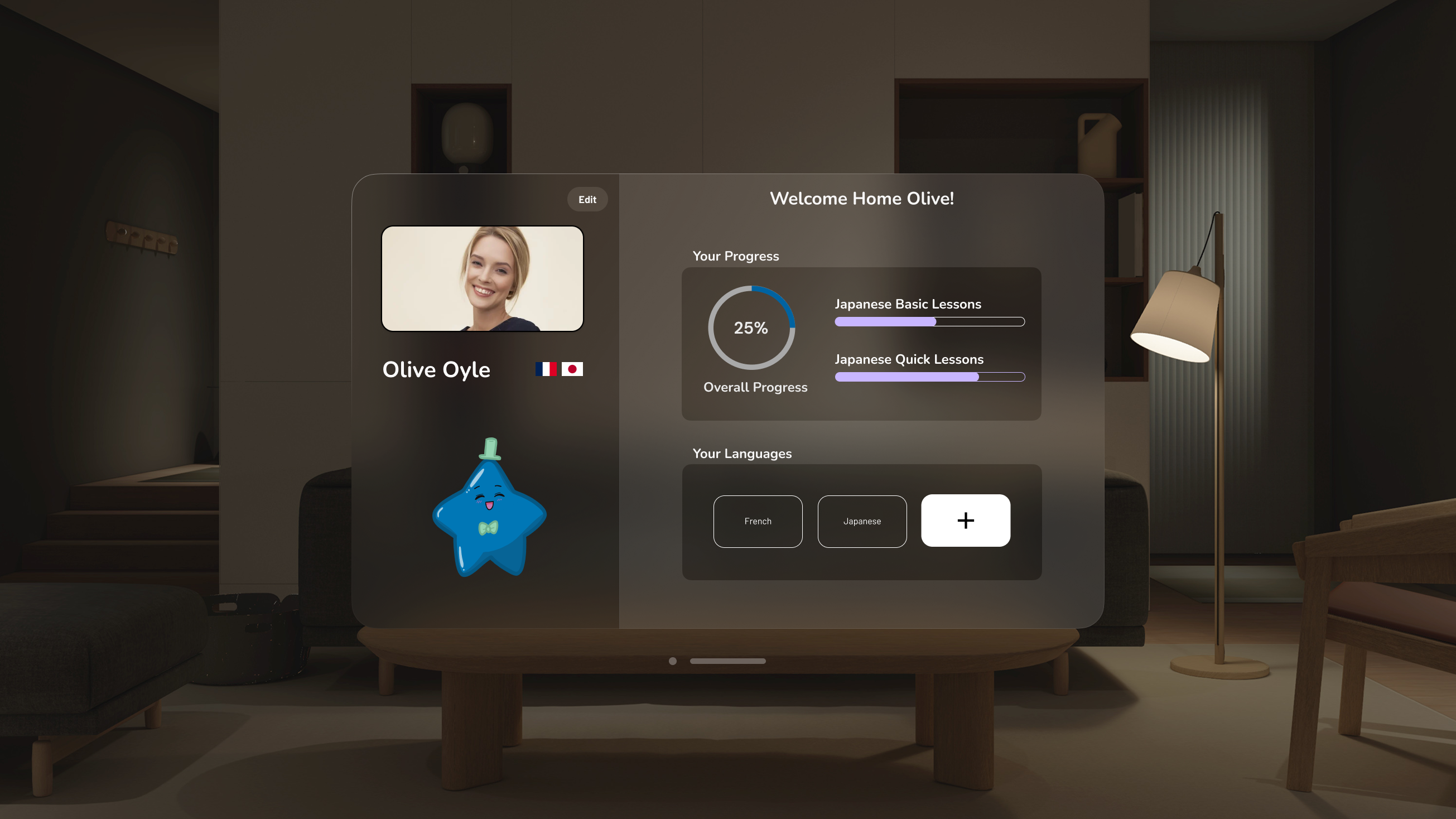
With these needs identified, we wrote a context scenario depicting how our persona, Olive Oyle, would use our product in a normal day of her life to achieve her goals.
We pulled different points of the context scenario to form a requirements list. This list used an object/action/context template to word our requirements.
.png)
Using the brainstorming session and requirements list from the Requirements phase, we created a wireframe of the general layout of our application. At this point, we identified three types of lessons we wanted to explore and showcase: quick, basic, and exploratory lessons. The wireframe had a key path scenario that identified the main path our persona followed in the context scenario. Here are a few screenshots of our wireframes.
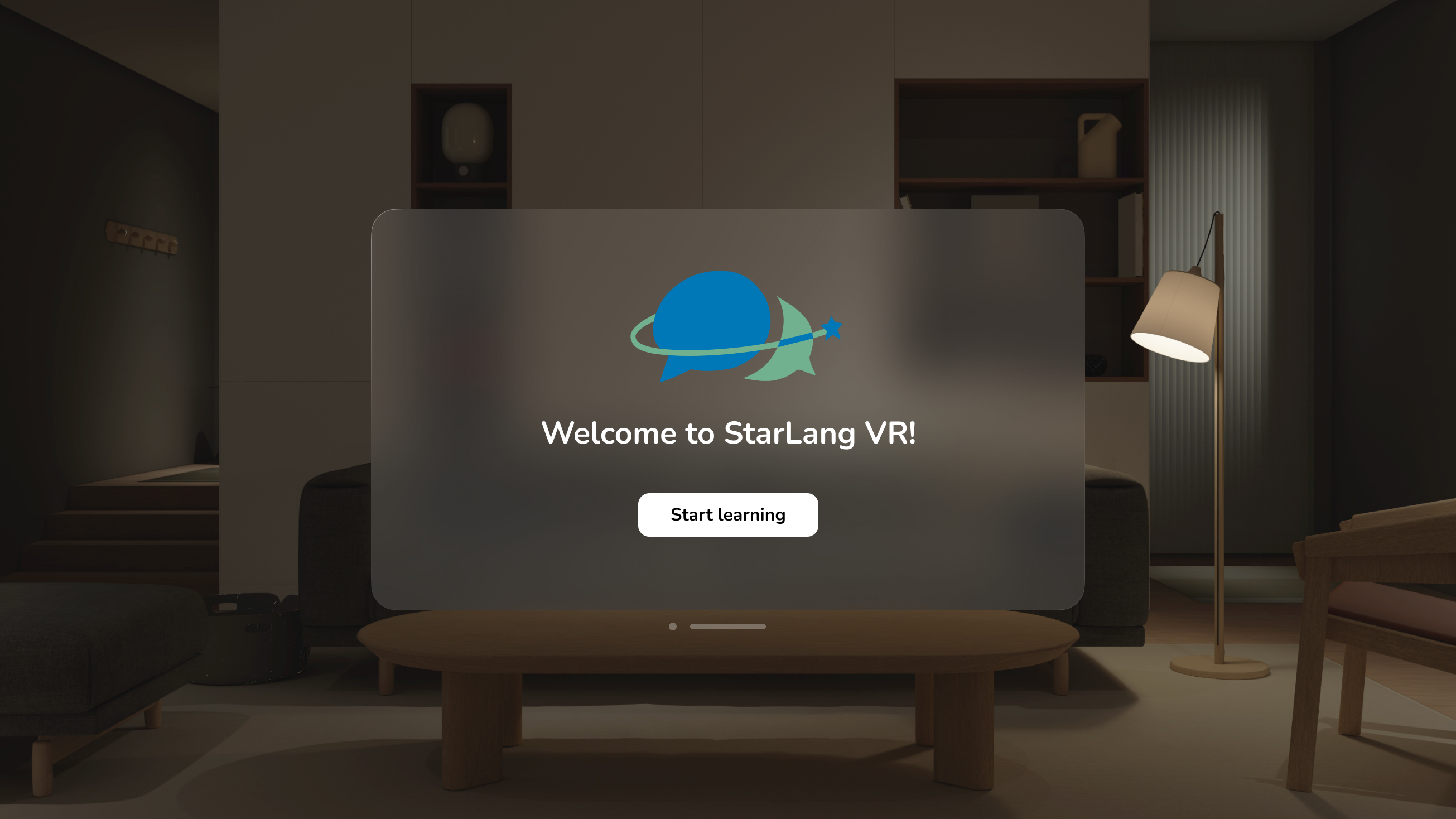
In our Refinement phase, we started to further prototype our application in Figma based on the wireframes we created on our FigJam board. We split up our tasks into different sections, the onboarding, home plus new language and choose lesson, quick lesson, basic lesson, exploratory lesson and quizzes.
We modified Apple Vision Pro components to use throughout the entire prototype. Where the simple screens, such as the home screen, where the user did not need to be immersed, we kept the background and many of the same component pieces the Apple Vision Pro Guidelines had. In our lessons, we changed the layout and background to better immerse users in our lessons.
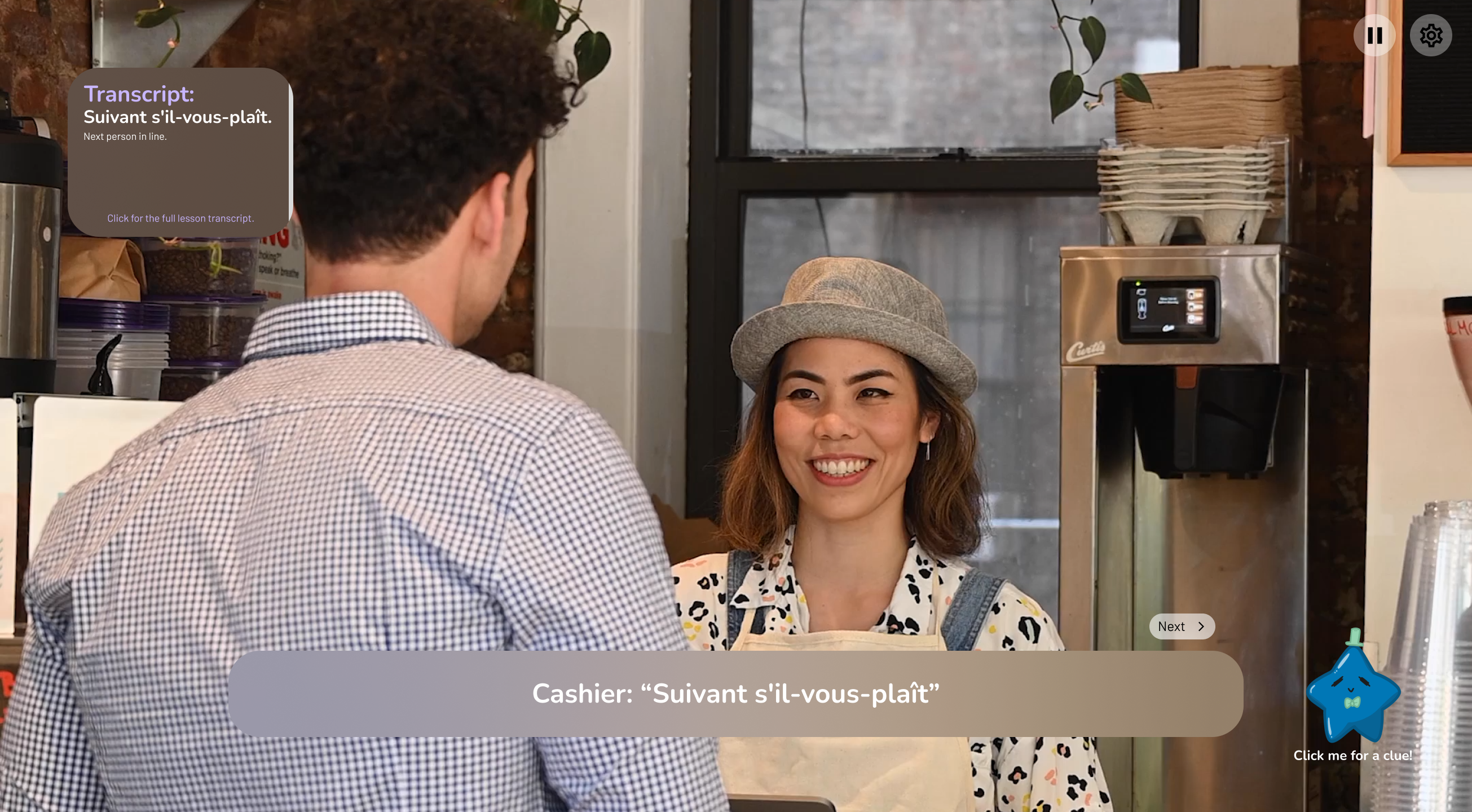
Quick lessons were meant to provide a quick and easy way to run through a potential scenario one might encounter in a foreign country. You could learn how to order food, ask where something is, a simple conversation, or any other scenario that are typically found on a journey to a foreign country.
This section was ideally formatted as a way for the user to practice saying anything in a scenario and learning what the right and wrong things to say are. In our final iteration of this project, the quick lesson ended up becoming a quick showcase of what to say.
Our usability testers liked this section because it was so short and simple.
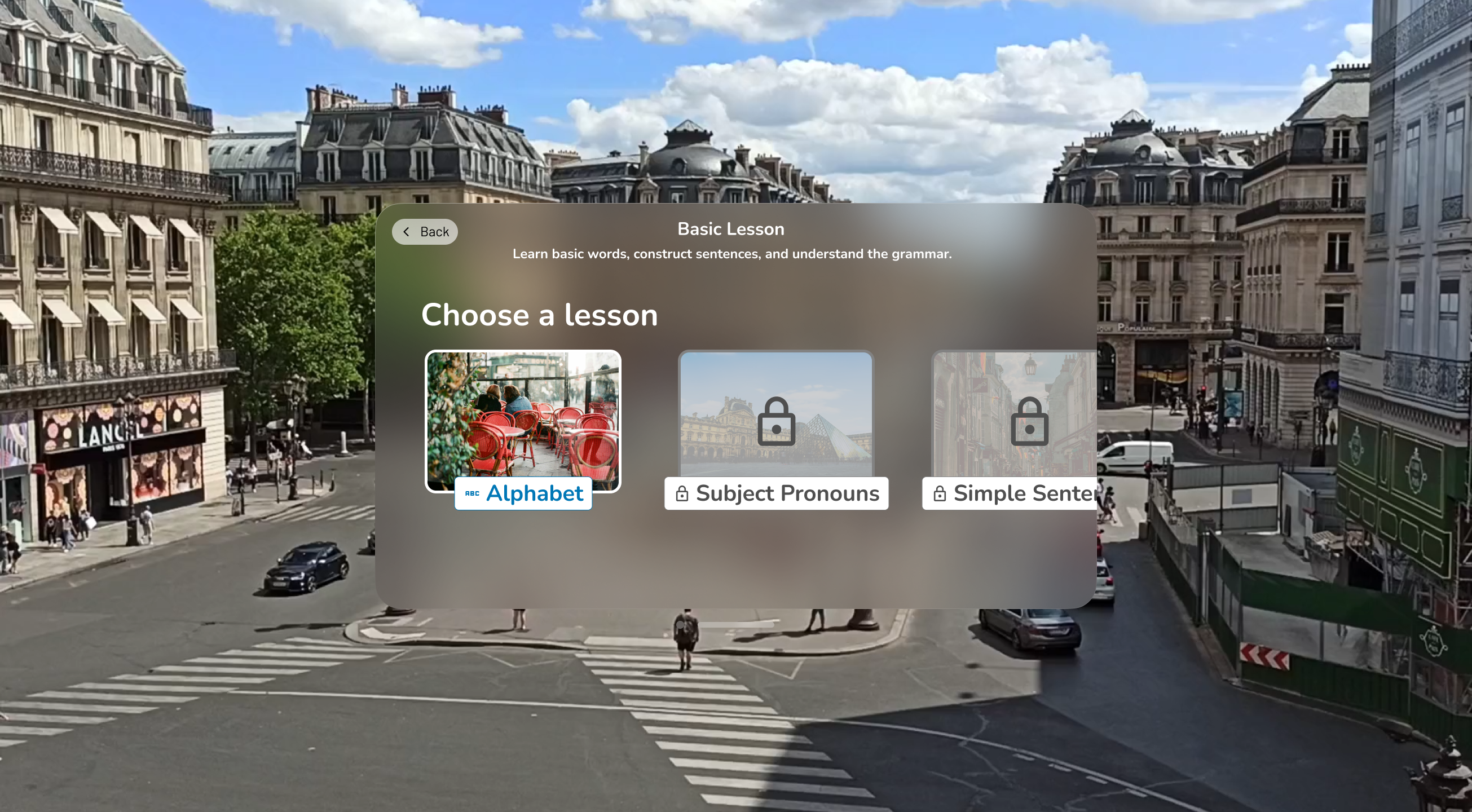
I mainly focused on prototyping this section of the prototype. The goal of this section of lessons was to help users build their vocabulary in a semi-traditional way.
Each lesson is a unit of related subjects, such as the alphabet and accent marks, subject pronouns. The style of these lessons is a conversationalist style where the user has a conversation with the computer. During the conversation, the computer teaches the user the basic parts of sentences, vocabulary, and grammar.
After our usability testing, I improved this section by adding a small tutorial before the lesson to ease users into the user interface style. I also made sure to lock each lesson so that users could complete the previous lessons before moving on.
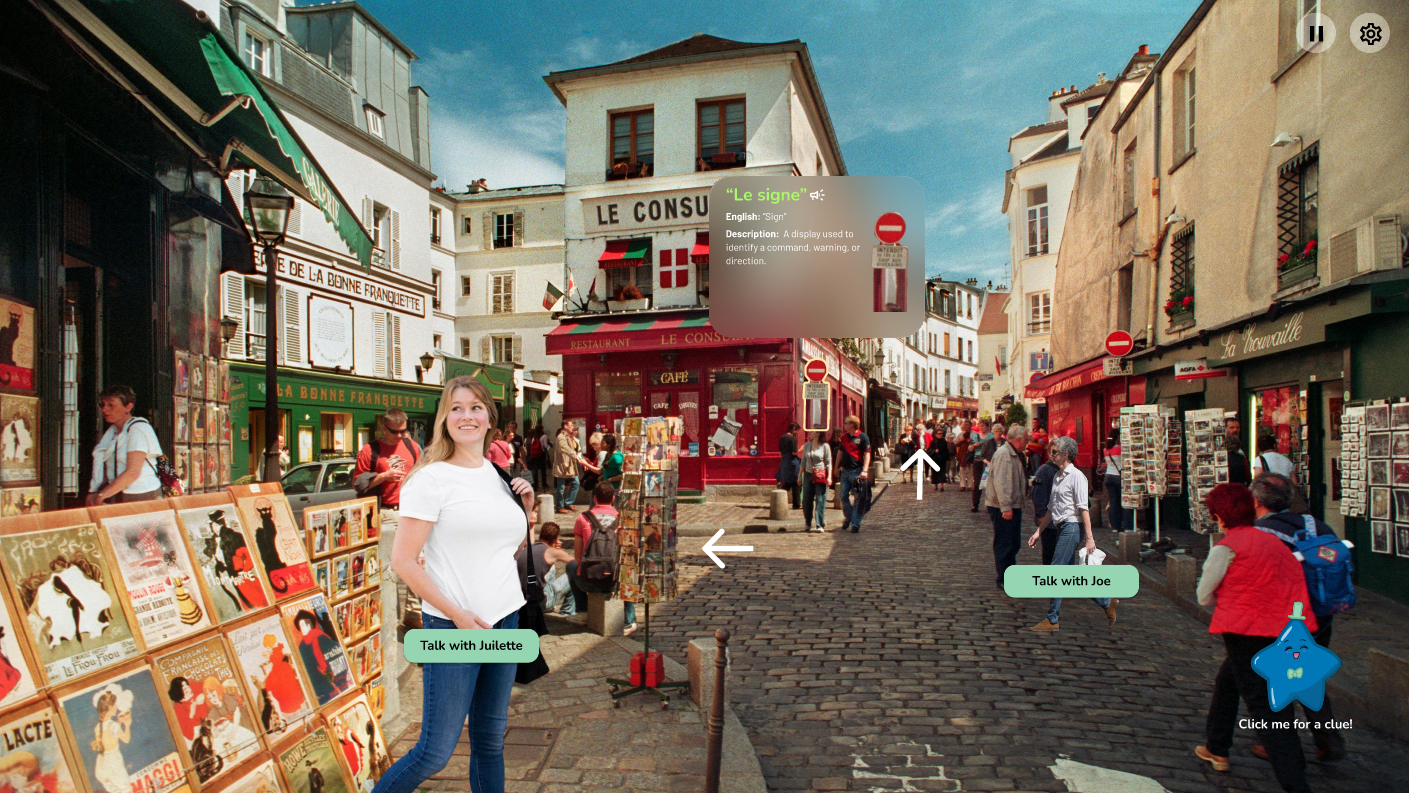
Exploratory lessons set our product apart from other language learning applications as it gives users the freedom to explore a town in a country that speaks the language of their choice.
Users can walk around, interact with objects to learn their names, meanings, and pronunciations, have conversations with random people to practice their speaking skills, and learn about the culture of the town or country. We wanted to have different cities or countries to explore because we realized during our user interviews that traditional language classes do not teach students about different accents.
This section interested our usability testers the most. They liked that they could potentially wander around the streets of Paris to learn more vocbulary, practice their conversational skills, and learn about the culture. This part was also a challenge to prototype in Figma as the program was limited to a 2D axis rather than a 3D axis virtual reality allows.
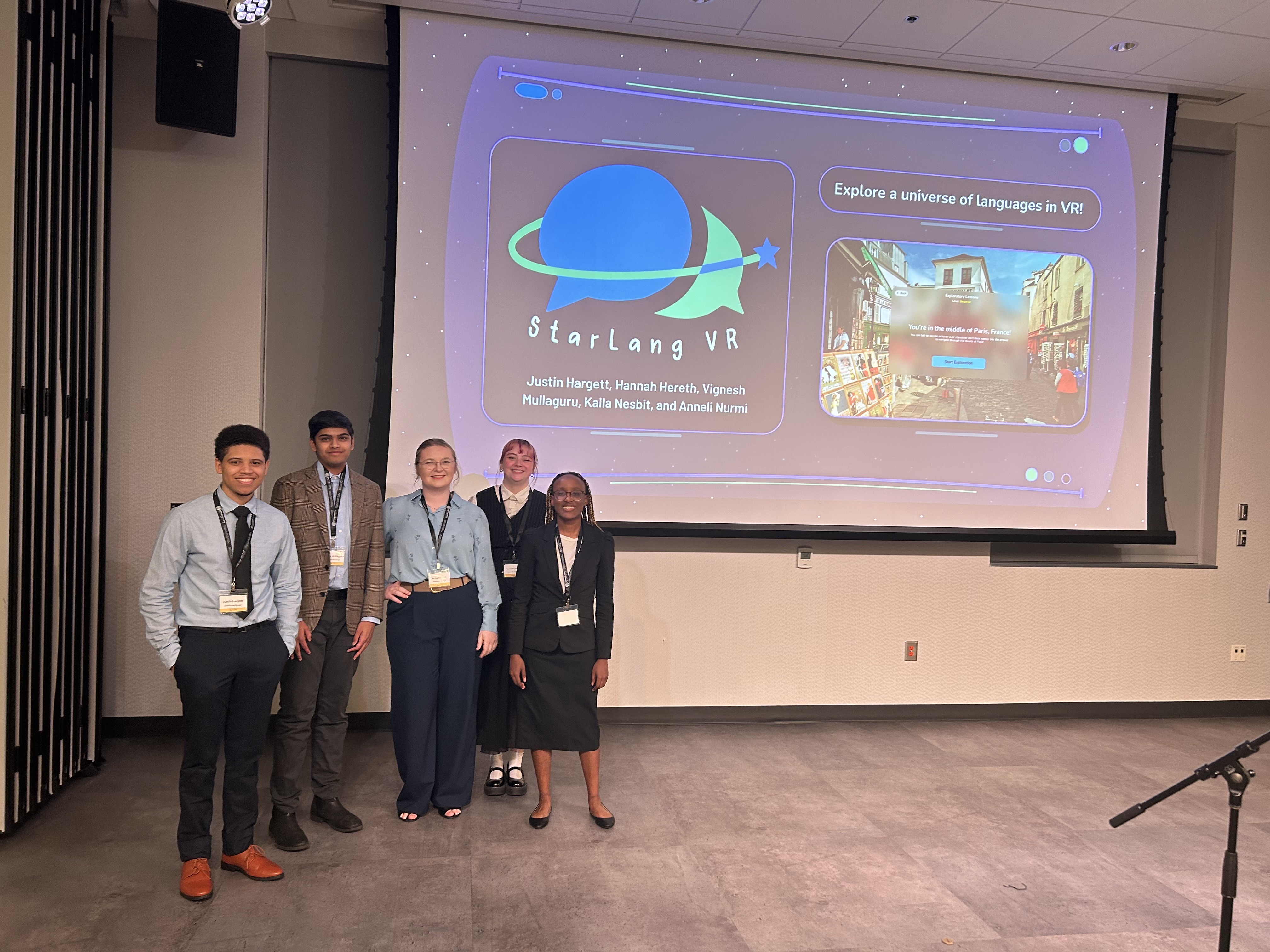
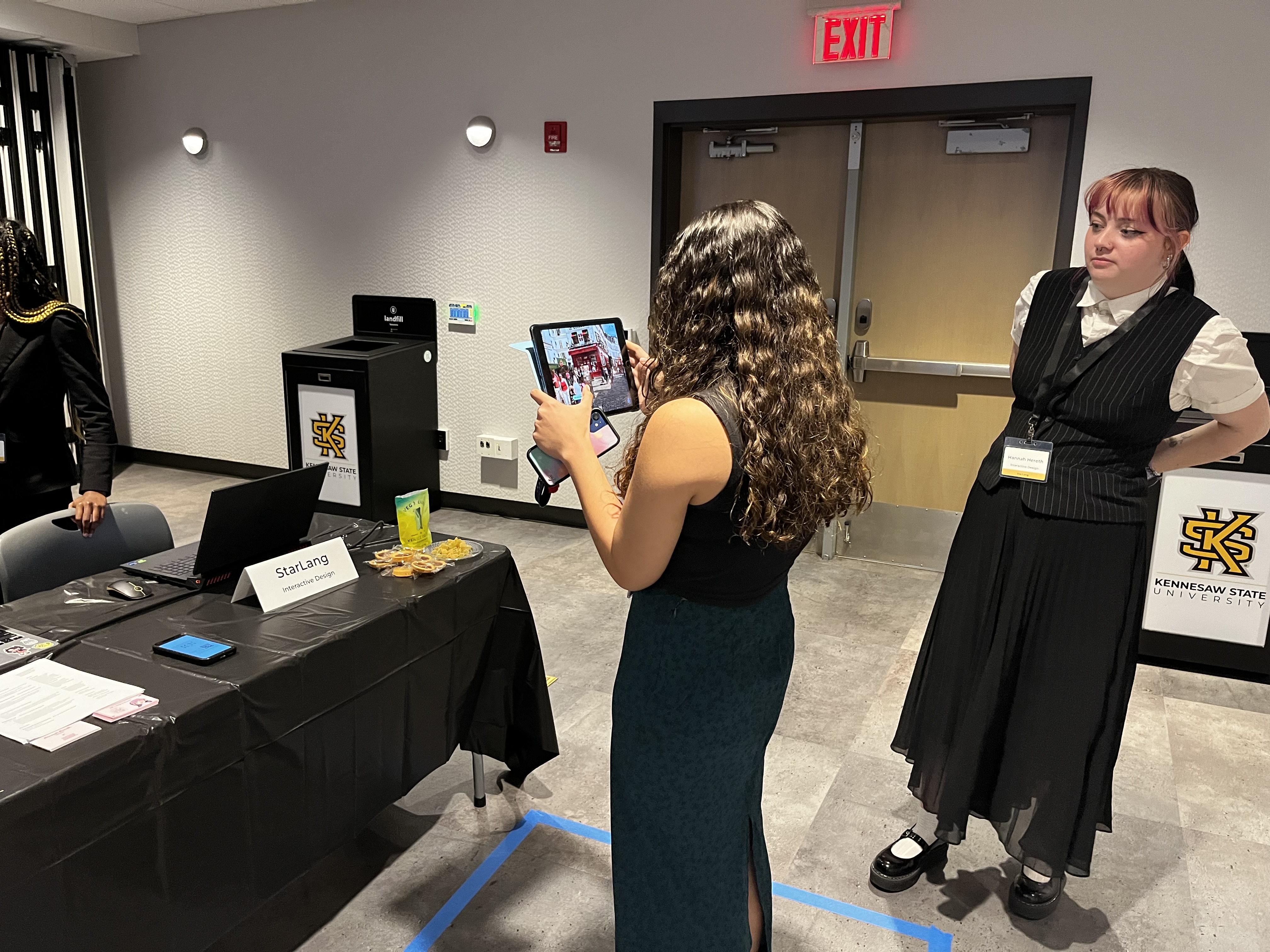
This section is about the capstone showcase. The showcase happened in April 2024. At this showcase, our team as well as other teams presented our projects to professionals, hiring managers, other students, alumni, faculty, and family.
We had a poster to explain our process to passerby's as well as a live demo. The live demo was made with a program called ProtoPie and was made to be used on an iPad. This simulated a VR movements without actually using a VR headset.
This project was definitely a wonderful challenge and experience. I got to:
I would 100% do this project again. However, I would set better deadlines and goals for my team and conduct more research about virtual reality to get a better understanding at the beginning of the project. If we had more knowledge about accessibility features in virtual reality as well, we would have also implemented those into this project.
A final note: we consider this prototype to be a first iteration of a final product. Ideally, we would continue to test, research, and improve our designs. We would also work with developers, artists, and language teachers to better understand the medium our design would be in and the content we are trying to teach.